Your servers,
right beside your data.
Open an SSH shell, connect through a tunnel, or forward a local port. Database work and server access share one app.
SSH shells & local port forwardingDATABASES. QUERIES. SSH.
A database client and SSH terminal,
built for Mac, iPhone and iPad.
Free on the App Store. No account needed.

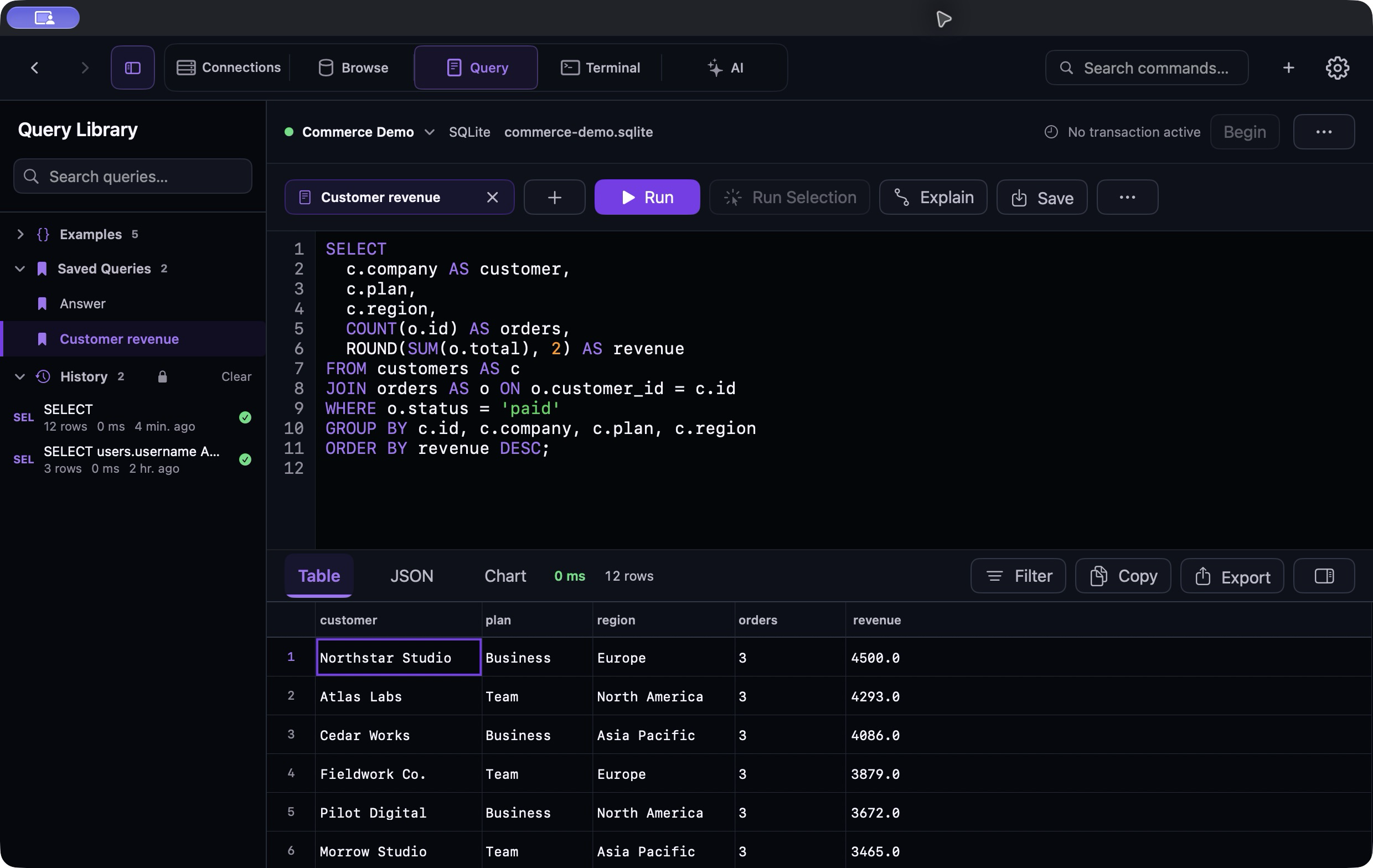
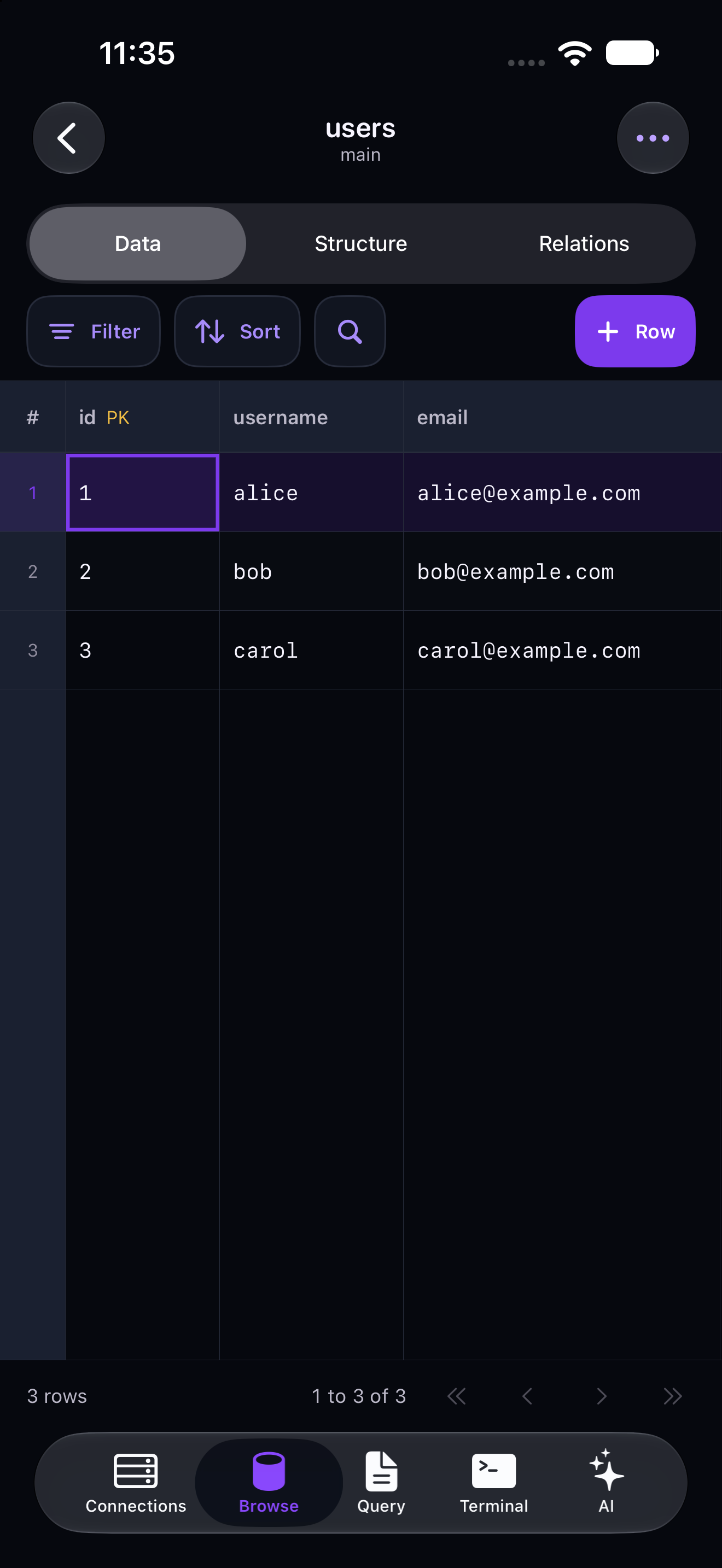
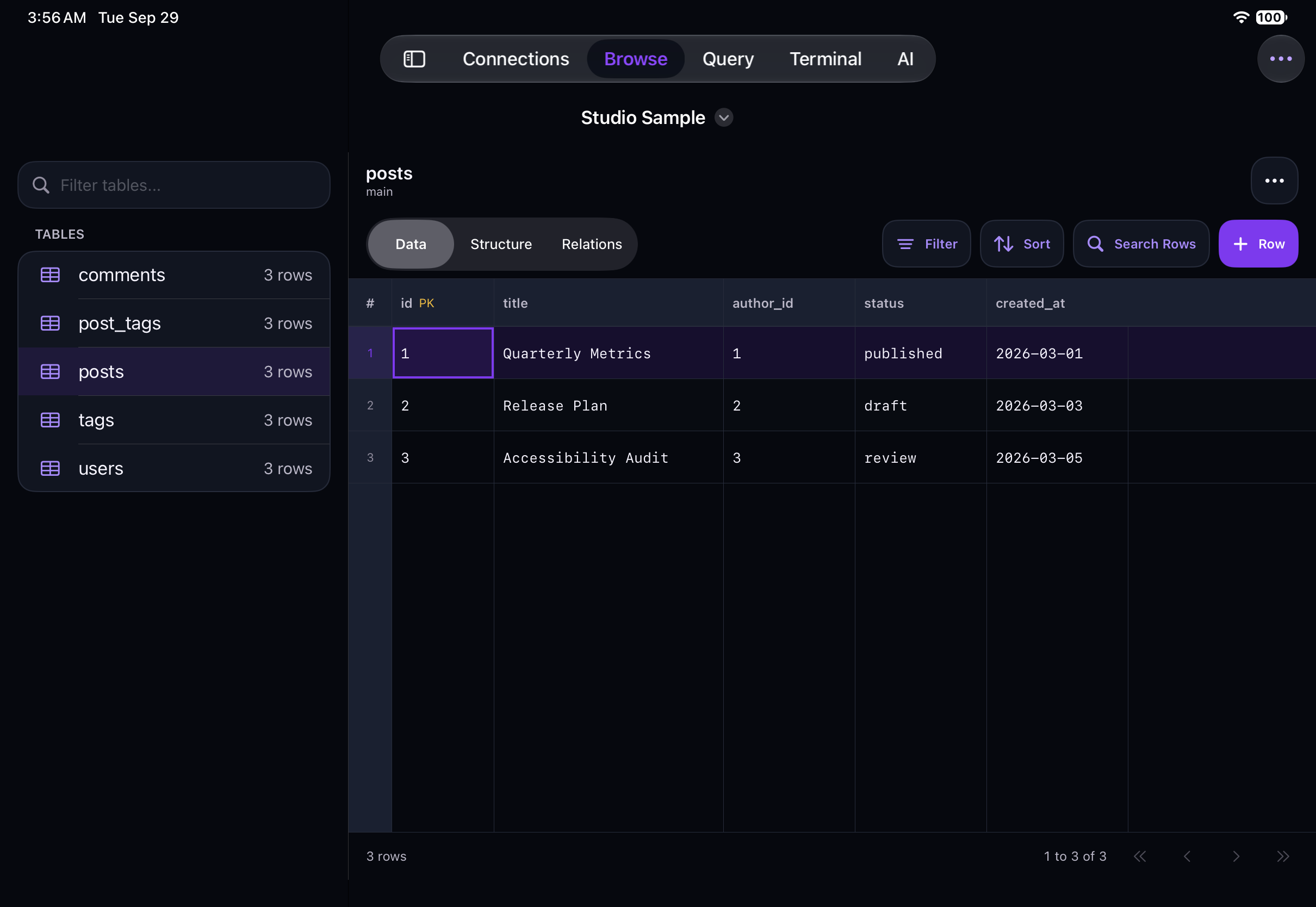
ON EVERY DEVICE
Built for Mac, iPhone and iPad. Browse databases, run queries and reach your servers, wherever you work.

START WITH A SAMPLE
Explore a local SQLite database on your Mac, without server credentials.
On a fresh installation, choose Open Sample Database in Connections.
Connect to Datark Sample SQLite, then open Browse.
Open Query and run SELECT * FROM projects; to see three sample projects.
YOUR CONNECTIONS, YOUR CALL
Open an SSH shell, connect through a tunnel, or forward a local port. Database work and server access share one app.
SSH shells & local port forwardingAsk AI about a query or schema. Use an on-device model, your local server, or a cloud provider you allow. Review generated SQL before running it.
Optional AI. Explicit cloud consent.Passwords, SSH keys and API keys are stored in Apple Keychain. No Datark account, advertising or analytics.
How Datark handles your dataA FEW MORE THINGS
Need a hand?
Talk to us
Yes. Datark is free, with no in-app purchases and no Datark account to create. If you choose a cloud AI provider, that provider may charge for API usage separately.
PostgreSQL, MySQL, MariaDB, SQLite, MongoDB and Redis on Mac, iPhone and iPad, plus DuckDB on Mac. MongoDB collections and Redis keys are read-only in the data grid. Row editing and CSV import require a supported SQL engine.
Yes. Datark for Mac, iPhone and iPad is one free App Store listing. Each interface is built for its platform; see the comparison below for the differences.
There is no automatic sync. Connection profiles, saved queries and settings are stored on the device where you create them. Passwords and keys are kept in that device’s Apple Keychain.
No. Every database and SSH workflow works without it. If you want help, choose an on-device model, a local server, OpenAI or Anthropic. Cloud providers require your permission. Generated SQL opens in the editor for you to review and never runs automatically.
Yes. Add an SSH tunnel to your database connection, or open an interactive shell and a local port forward in the SSH Terminal. On iPhone and iPad, SSH sessions and forwards close when the app goes into the background.
| Feature | Mac | iPhone and iPad |
|---|---|---|
| Requires | macOS 26 or later | iOS 26 or iPadOS 26 or later |
| Database engines | PostgreSQL, MySQL, MariaDB, SQLite, MongoDB, Redis and DuckDB | PostgreSQL, MySQL, MariaDB, SQLite, MongoDB and Redis |
| Schema browser | Tables, views, PostgreSQL materialized views (read-only), triggers, sequences, types and routines | Tables |
| Data editing | Edit cells, add and delete rows, Set to NULL, cut, copy, paste, fill down and right | Edit cells, add and delete rows, Set to NULL |
| Table design | Create, rename and drop tables; add, alter, rename and drop columns; mock data | Add columns |
| Admin tools | Schema Diff, and Users & Roles for PostgreSQL (read-only) | |
| Query editor | Tabs, Run Selection, Format SQL, SQL templates and a Query Library | Tabs, one statement per run on SQL engines, and MongoDB and Redis quick commands |
| Results and plans | Table, JSON or chart results; EXPLAIN on PostgreSQL, MySQL, MariaDB and SQLite; Begin, Commit and Rollback | |
| Stopping a query | Request PostgreSQL cancellation outside a transaction; transaction-pooling proxies may prevent cancellation | Stop and Query Timeout request PostgreSQL cancellation outside a transaction; transaction-pooling proxies may prevent cancellation |
| Export | CSV, JSON, SQL, Markdown, HTML, XML and XLSX | CSV, JSON, SQL, Markdown, HTML and XML |
| Import | CSV and TSV, one file or several, up to 100 MB each, with delimiter, header, empty-field and error options | CSV and TSV, one file or several, up to 100 MB each, with UTF-8 or Windows-1252 and skip-errors options |
| ER diagrams | Zoom, Fit All, Auto Arrange, drag to arrange, PNG export | Zoom, Fit, Auto Arrange, PNG export |
| SSH terminal | Shells in tabs with Find, Copy and Clear; generate or import Ed25519 and RSA keys | Shells and saved profiles; import keys; sessions close when the app goes to the background |
| Port forwarding | Saved and ad-hoc forwards on 127.0.0.1 | Ad-hoc forwards on 127.0.0.1, closed when the app goes to the background |
| On-device AI | 15 MLX models | 6 MLX models |
| Cloud and local AI | OpenAI, Anthropic, or an OpenAI-compatible local server | |
| Languages | English, Spanish, French, German, Japanese, Simplified Chinese and Russian | |
| Appearance | System, Light or Dark (Dark by default), with Royal or Blackberry Violet | System, Light or Dark (follows the system by default) |
| Getting started | Open Sample Database in an empty Connections list creates a local SQLite sample | A Studio Sample SQLite database to explore on first launch |